What is AAC?

AAC stands for Alternative and Augmentative Communication. It refers to a range of solutions which support people who have no or limited speech.

AAC can be used instead of speech (as an alternative) or alongside the speech someone has (augmentative).

AAC empowers people by allowing them to express themselves, in the manner they wish to, in as many different places as possible. It can have a positive impact in many areas of a person’s life. AAC can be electronic, battery powered, paper-based – or use no kit at all!

There are lots of types of AAC but no one AAC solution is better than others – each type of AAC has things that can make it a good fit for someone. That’s why it’s important to look at different options.

Take a look below at the different types of AAC available.


Types of AAC

Types of AAC

Graphic

Including facial expressions gestures and signing.

Unaided AAC
Graphic

Including paper-based and no-tech equipment.

Low-Tech / Paper-Based
Graphic

Including battery powered devices.

Mid-Tech
Graphic

Including devices which have a chargeable battery and have dynamic displays and built in voices.

High-Tech
Unaided AAC - Signing, Facial Expressions and Gestures

Unaided AAC - Signing, Facial Expressions and Gestures

Unaided AAC is a low-cost, accessible way to support communication using only your body. In fact, many of us use unaided AAC every day without realising it! Things like facial expressions, body language, gestures, and signing are all forms of unaided AAC.

What Is Signing?
Signing is a type of AAC where we use hand shapes and movements to represent words or ideas. It’s a great way to support understanding and expression, especially when used alongside speech. Signing is often used in specialist schools and care settings, where everyone learns the same signs to help people communicate more easily.

However, if someone finds it hard to move their hands, signing might not be the best option. In those cases, other forms of unaided AAC, like gestures or facial expressions, can be just as powerful.

Common Gestures in Unaided AAC
Here are some simple gestures often used in unaided AAC:

  • Waving to say hello or goodbye
  • Thumbs up to show agreement or approval
  • Pointing to indicate a choice or object
  • Shrugging shoulders to show uncertainty
  • Nodding or shaking the head to say yes or no
  • Placing a hand on the chest to refer to oneself
  • Reaching out to request something

These can be very effective, especially when used consistently. Gestures can be very personal to an individual too and may be a little more unique.

Things to Keep in Mind
There are different signing systems, and signs can vary between them. It’s important to check which system the person’s peers or support team are using. For signing or gestures to work well, the people around the communicator need to understand them too.

That’s why tools like a communication passport or gesture dictionary can be really helpful. These explain what each sign or gesture means, making it easier for unfamiliar people to understand and respond.
Low-tech / Paper-based

Low-tech / Paper-based

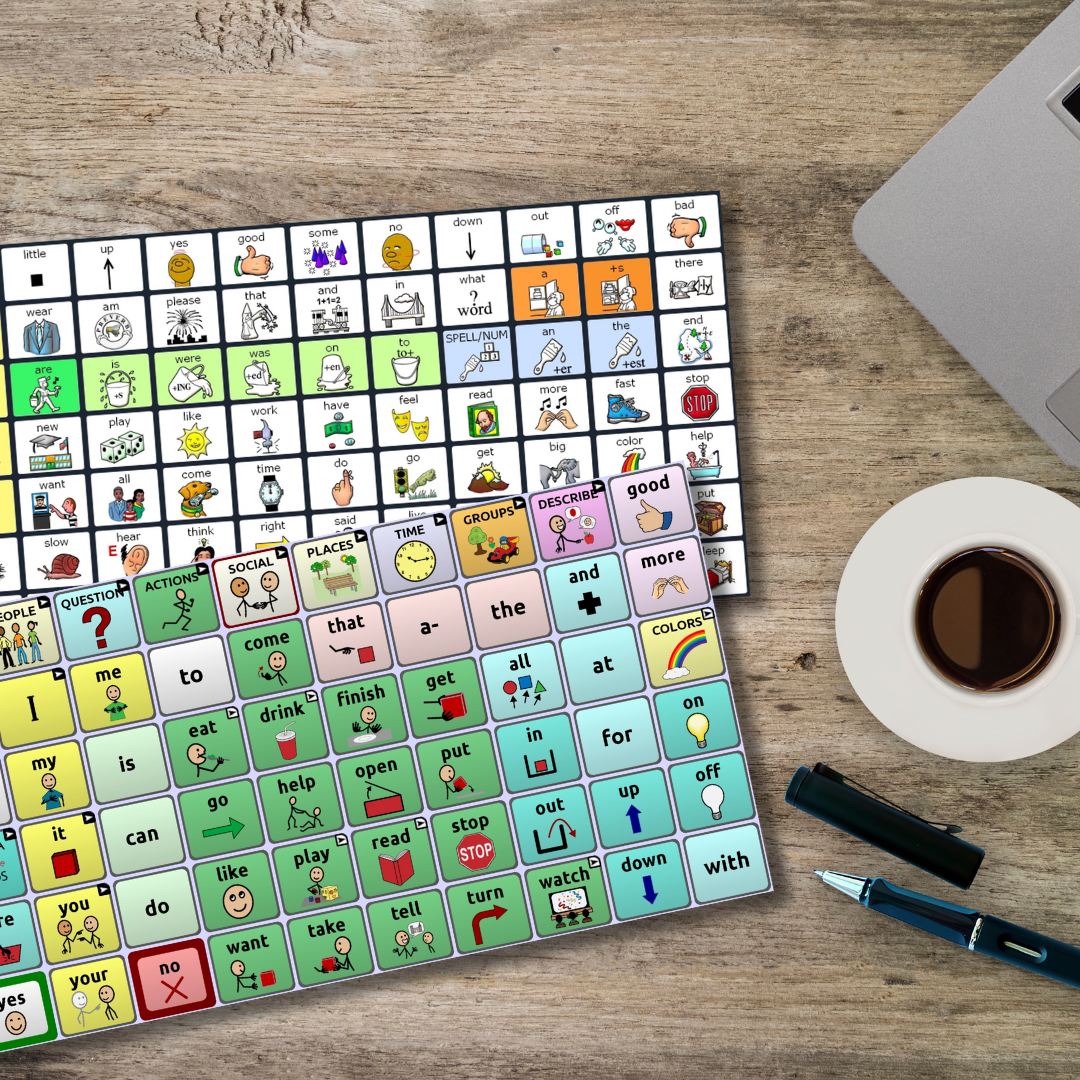
Low-Tech AAC uses tools that don’t need batteries or electricity. These are simple, affordable solutions that can be personalised to help people express themselves in everyday situations.

What Is Low-Tech AAC?
Low-tech AAC includes:

  • Communication books with symbols or photos
  • Symbol boards that people can point to
  • Belts, aprons, or keyrings with pictures or meaningful objects

These tools allow someone to communicate by pointing to images or items that represent words, feelings, or needs.

Why Choose Low-Tech AAC?
Low-tech AAC is:

  • Cost-effective and easy to make
  • Customisable to suit individual needs
  • Great for home, school, or care settings
  • A helpful backup when high-tech devices aren’t available

To work well, someone needs to be paying attention to the person using the system, so they can see what’s being pointed to and respond appropriately.

Free Low-Tech AAC Downloads
At Liberator, we offer a range of free downloadable low-tech AAC resources to help you get started quickly and easily. These include printable symbol boards and communication books, you can personalise to suit your needs

Mid-Tech

Mid-Tech

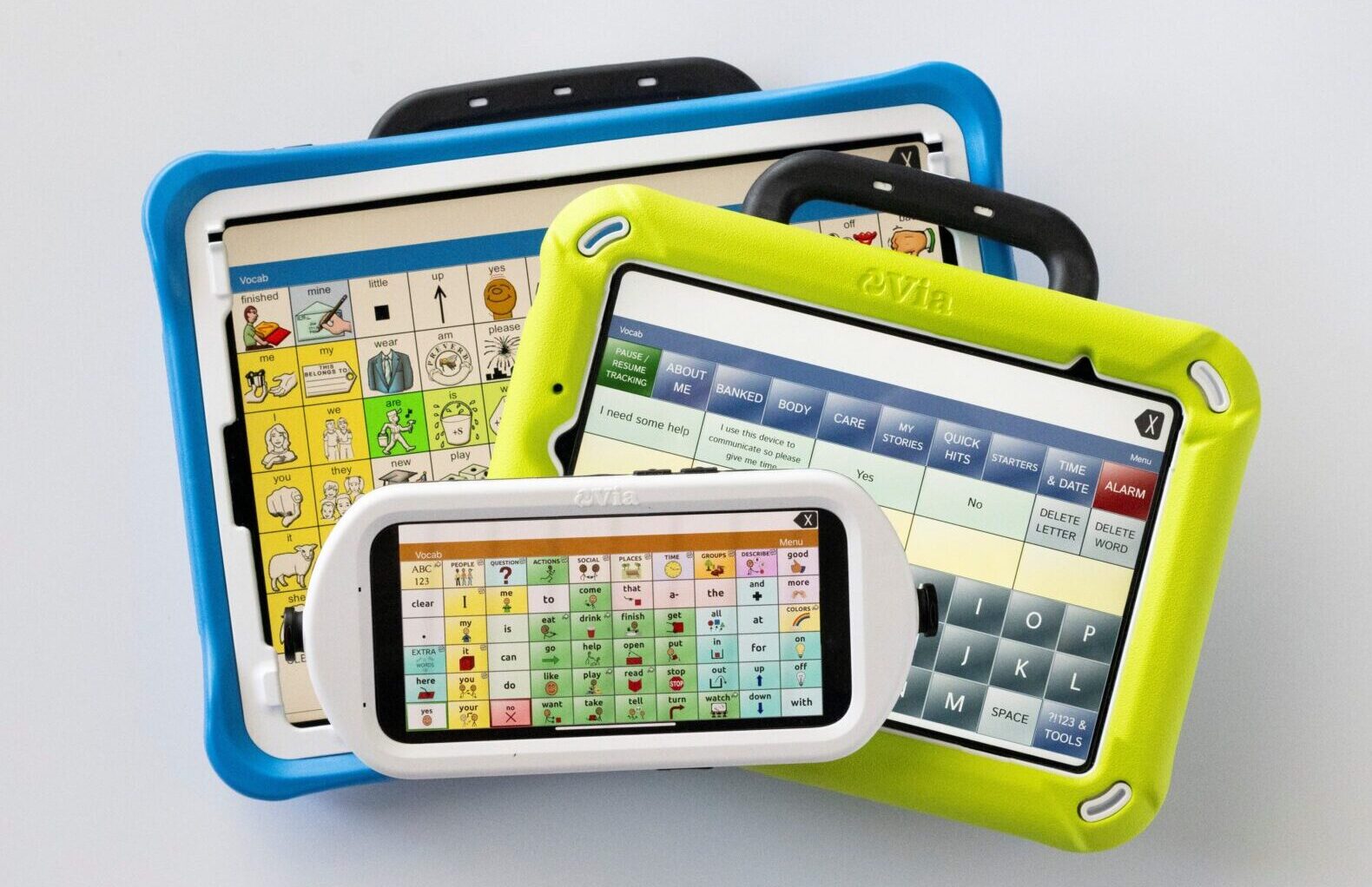
Mid-Tech AAC refers to communication devices which are usually battery powered, and which have a voice output (i.e. when you use it, it makes a sound / speaks).

How Do Mid-Tech AAC Devices Work?

  • Some devices have just one button that plays a recorded message.
  • Others have multiple buttons or symbols, each linked to a different word or phrase.
  • You can record your own voice or sounds into the device, so it says exactly what you want.
  • You might also need to create paper grids or symbol boards to place on the device.

Why Choose a Mid-Tech AAC Device?

    Mid-tech devices are:

  • Easy to use and set up
  • Affordable, with many low-cost options available
  • Great for basic communication needs
  • Available in many styles and sizes to suit different users

Want to explore some mid-tech options?

Visit our online store to explore our full range of Mid-Tech AAC devices. Plus, enjoy peace of mind with our 30-day money-back guarantee, meaning if it’s not the right fit, you can return it hassle-free.


High-tech

High-tech

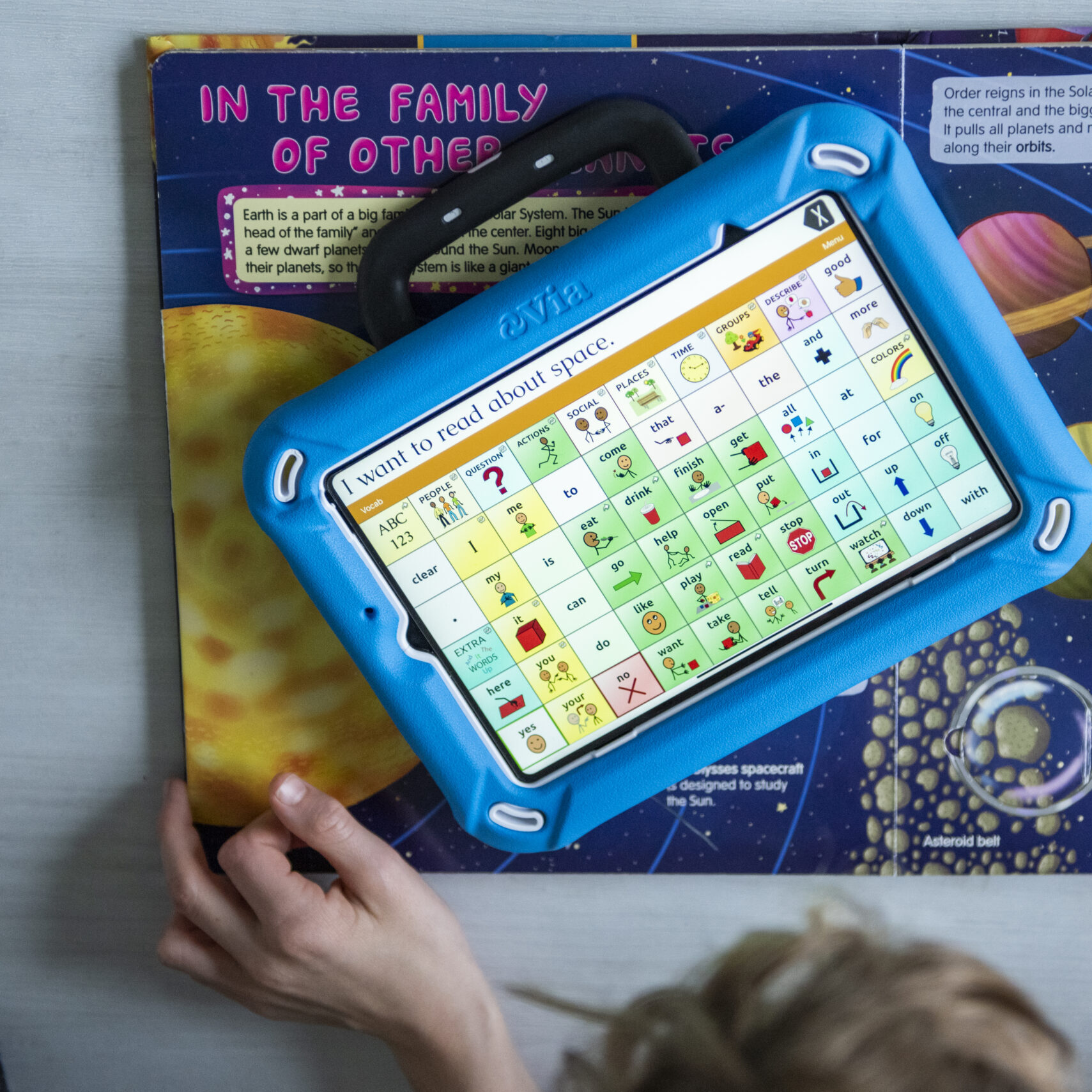
High-Tech AAC (Augmentative and Alternative Communication) devices are tools that help people who have difficulty speaking. These devices are a bit like tablets or smartphones – they need to be charged and have touchscreens you can interact with.

How Do High-Tech AAC Devices Work?

  • They come with built-in language systems, called vocabularies, made up of pictures, symbols, or words.
  • When you tap a picture, the screen changes to show more options, helping you build full sentences.
  • They have computer-generated voices that speak the words out loud. You can even choose voices with different accents or create a voice that sounds like you.

Why Use a High-Tech AAC Device?

These devices make it easier for someone to:

  • Say what they want quickly and clearly.
  • Talk to people at home, school, work, or in public.
  • Use apps, social media, or even control things like computers and smart home devices.

Is It Hard to Use?

It might take a little time to learn how to set up and use a high-tech AAC device, but you’re not alone. Liberator offers free training and ongoing support to help you feel confident and comfortable using your device.

Wondering If AAC Is Right for You?

Wondering If AAC Is Right for You?

If you or someone you support is exploring AAC, we’re here to help. At Liberator, we offer free consultations with our friendly and knowledgeable Regional AAC Consultants. To help you make the best decision, we also offer free high-tech AAC device loans, so you can try a device in your own time and environment.

We’ll listen to your needs, answer your questions, and help you discover the best communication solutions with no pressure, just expert support.

Book your free AAC consultation today and take the first step toward confident communication with support you can trust.