

Support for your Via™ AAC Device
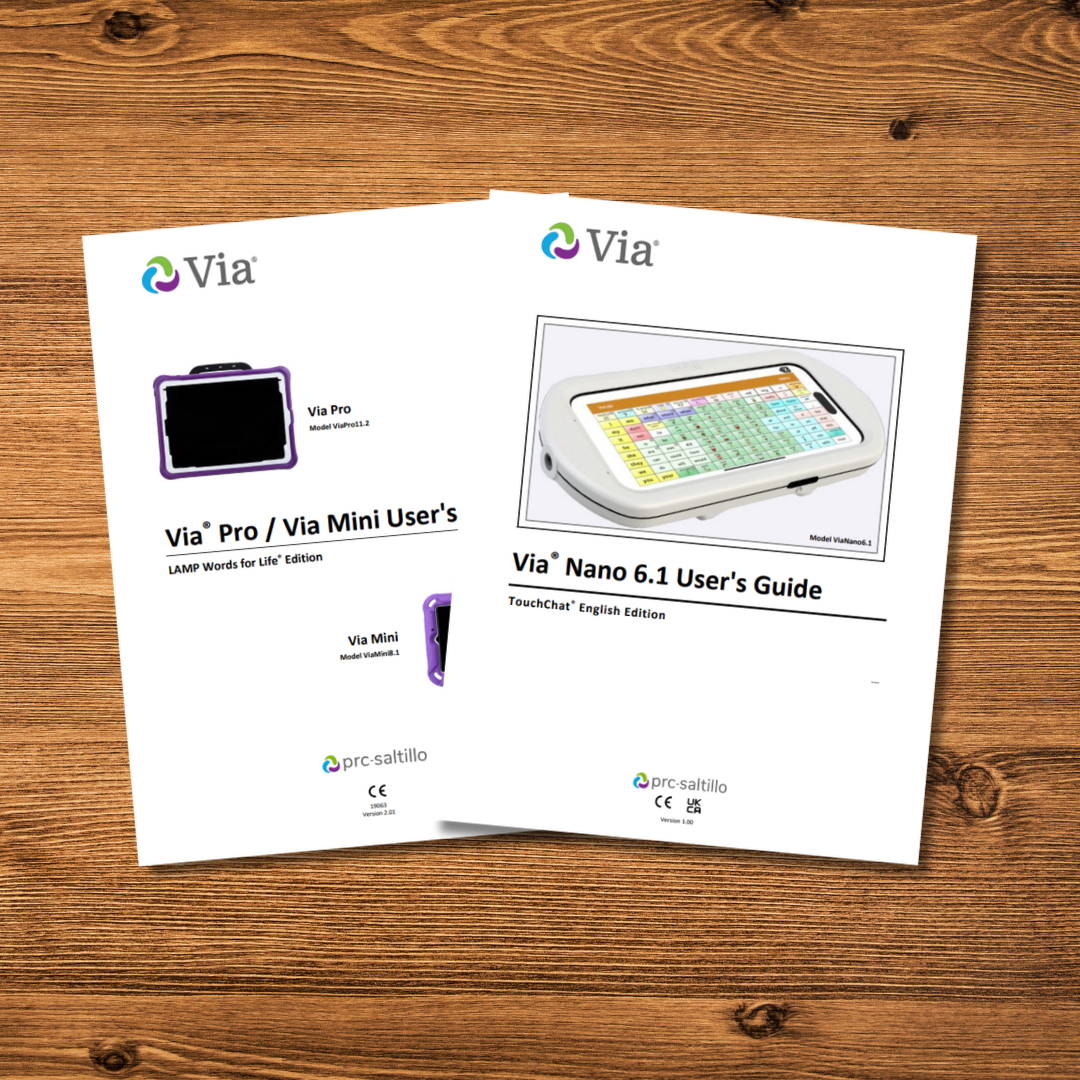
Device Manuals
Find the right user manual for your device.

Quick Reference Guides
Handy “how-to” guides for using your Via device.

How-To Videos
Visit our YouTube Channel for easy-to-follow videos.
Clicking this link will open our YouTube Channel on an external page.
Warning: Trying to access array offset on value of type null in /var/www/vhosts/liberator.lib01.host.inetservices.co.uk/httpdocs/wp-content/themes/liberator/template-pagebuilder.php on line 556
Deprecated: strpos(): Passing null to parameter #1 ($haystack) of type string is deprecated in /var/www/vhosts/liberator.lib01.host.inetservices.co.uk/httpdocs/wp-content/themes/liberator/template-pagebuilder.php on line 556
target="_blank">Visit YouTube
What voices can I use?
From pre-recorded voices to banking your own speech – we have it all!
Find out more about your voice options.

Contact Us
Still confused or unsure?
Contact Liberator’s friendly Customer Support team for further assistance.
What voice can I use?
We have a wide selection of voices to choose from for your Via device, including Acapela and Almagu. Some voices do come pre-installed free of charge, however others are available through an in-app purchase.
Want to bank a voice to use later?
For some people, the option of banking their own voice before it is lost is a must. For others, being able to ask a friend or loved one to donate their voice can be a lifeline.

Your Words. Your Voice.
The VoiceKeeper is a new voice banking solution available allowing you to preserve your own voice or create a voice from a donor. Liberator & PRC-Saltillo have teamed up with The VoiceKeeper to offer free voice banking and voice donation for all Liberator customers. Check to see if your device is supported or download the app here!

Express Yourself!
Almagu voices let you express yourself your way. Select from over 80 diverse voices that span various ages, accents, languages, and geographic locations. Each voice is created using genuine recorded speech, ensuring a remarkably natural sound.
In Your Own Words.
SpeakUnique develop voice banking technology, allowing you to create a personalised synthetic voice for use on your communication aid. You can retain your identity and communicate in a voice that sounds like your own, even when natural speech is not possible.

Make it yours.
Create a personal voice that sounds just like you on your Apple device (iPad, iPhone and Mac only). Apple’s Personal Voice guides you through a series of randomised text prompts to record 15 minutes of audio that can be used to generate a voice that sounds like you. Your voice can be created using full sentences or short 3-word phrases. Click the Apple logo for more information!
From pre-recorded voices to creating your own – we have it all!